
Installation guide
Not yet a ThermoSave owner? Buy Now →
· Flathead screwdriver
· Needle-nose pliers
· Voltage tester

blink
pulse
on
off
Troubleshooting
-
ThermoSave works with indoor electric resistance water heaters up to 5500 W at 240 V (23 A), on a circuit breaker of 30 A or less. That's the standard circuit for most home water heaters: 10 AWG copper wire on a 30 A double-pole breaker. Check the label on your water heater for its electrical specifications.
The wires from your breaker panel (the "power line") must be copper, with insulation rated 90 °C. The full current of the water heater passes through ThermoSave's terminals, and they get warm, especially when the water heater sits in a hot space.
A 90 °C rating ensures the wire insulation handles that heat for the life of the installation.
Do you already have 90 °C wire? Almost certainly, if your home was wired after the mid-1980s:
NM-B cable ("Romex"): the outer jacket is printed with "NM-B". Its wires are rated 90 °C.
Individual wires in conduit: printed "THHN", "THWN-2" or "90°C".
MC (metal-clad) cable: 90 °C wires.
Homes wired before about 1984 may have older NM cable: the jacket says "NM" without the "-B". Its wires are rated only 60 °C. Aluminum wire isn't suitable either.
How to check: read the printing on the cable jacket or on the wire insulation near the water heater. If you can't find a marking, or it's old NM cable or aluminum wire, have an electrician replace the cable before installing ThermoSave.
-
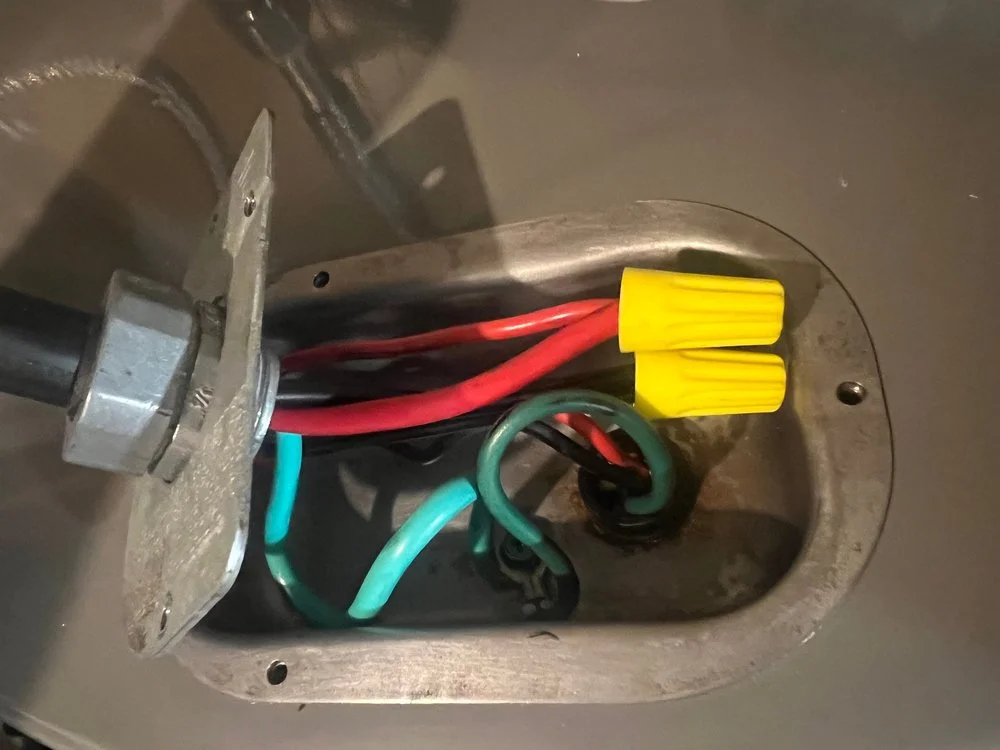
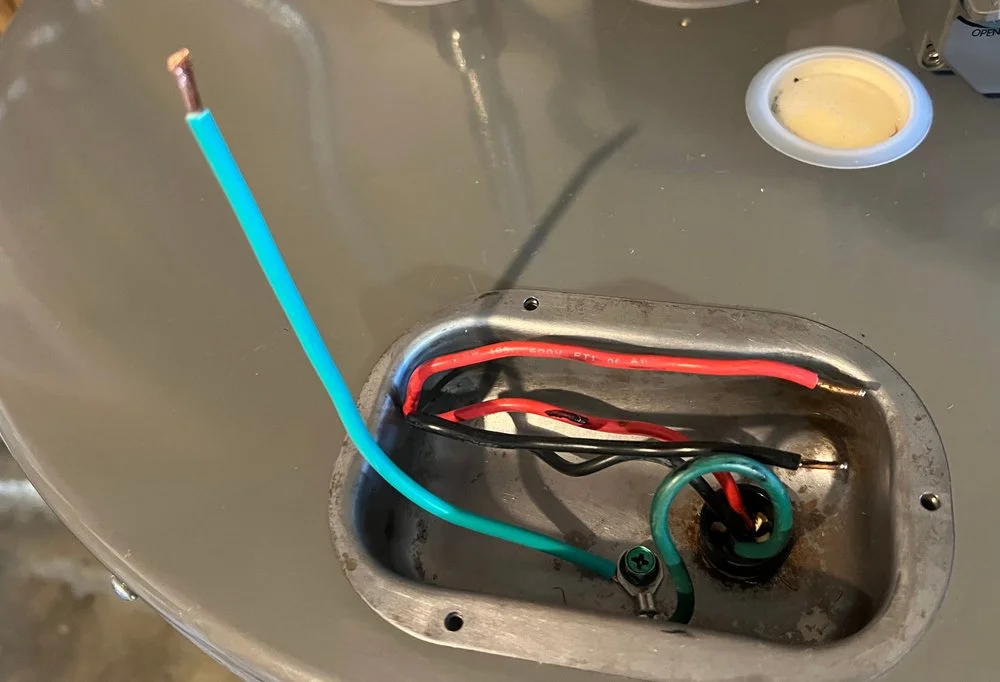
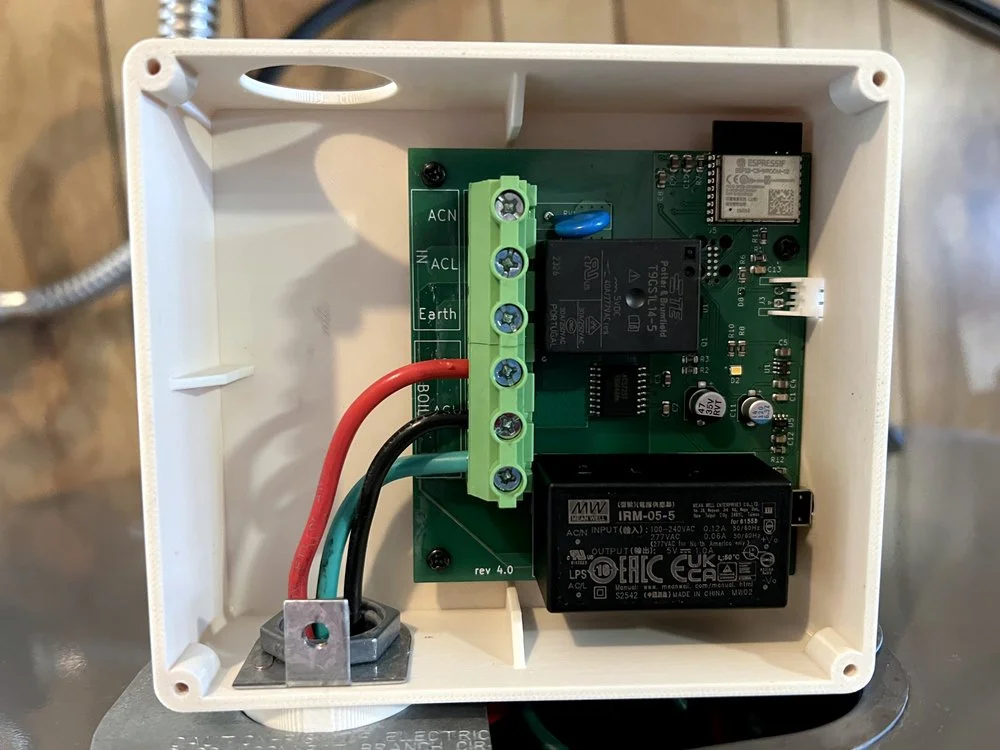
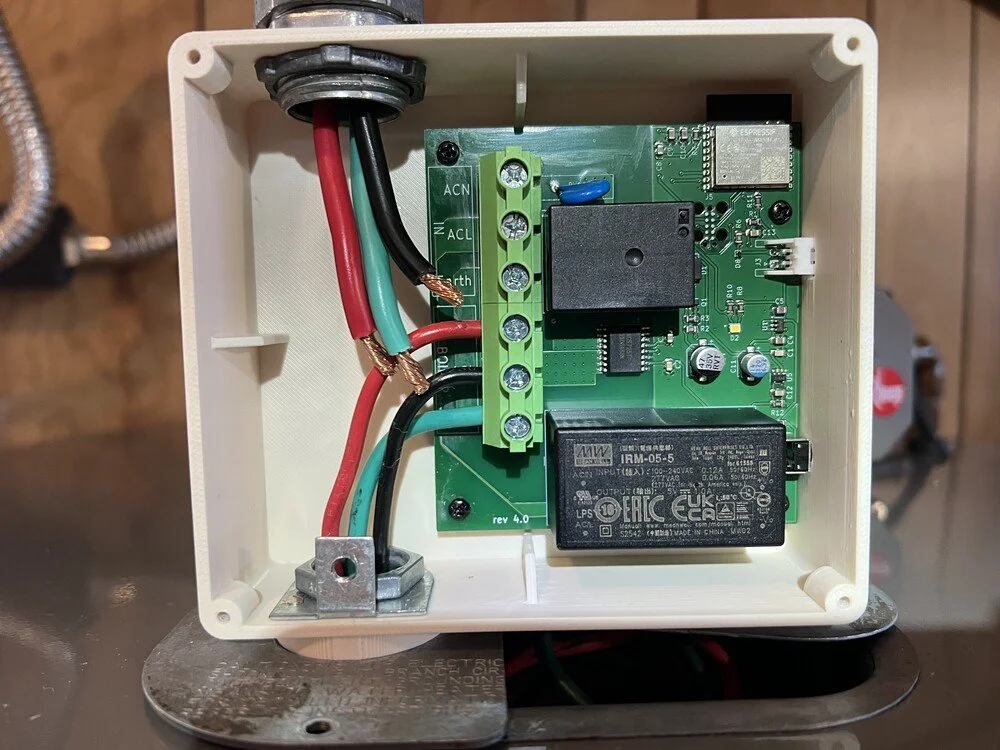
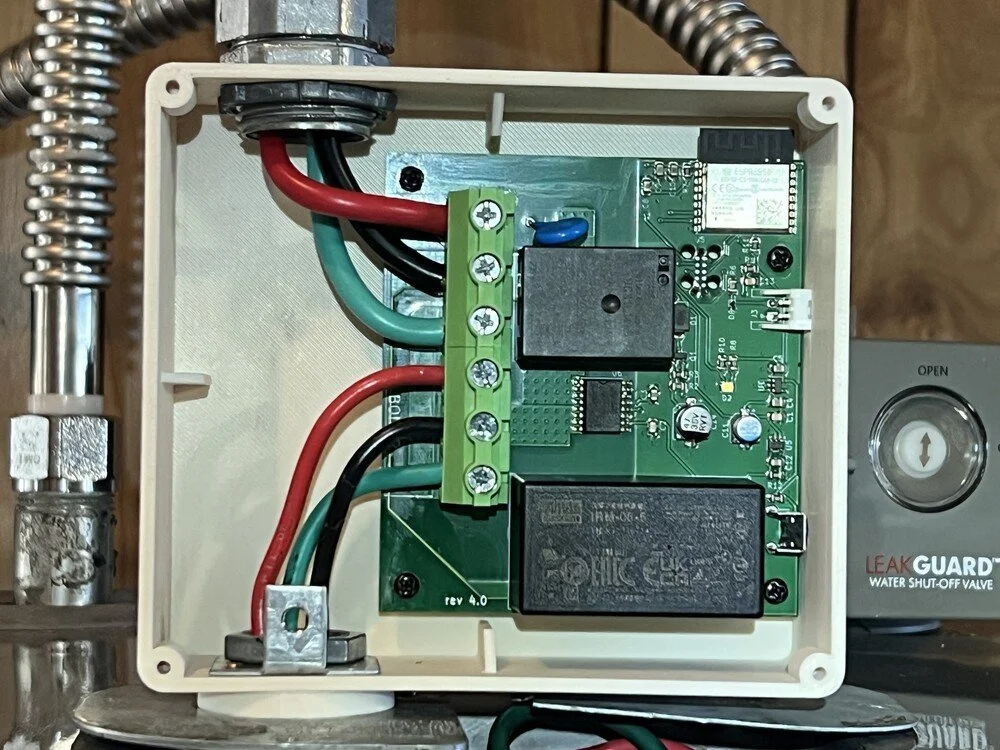
Water heaters use different hardware to connect the power line, and ThermoSave is designed to reuse whatever is already on your unit. You need two secure connections.
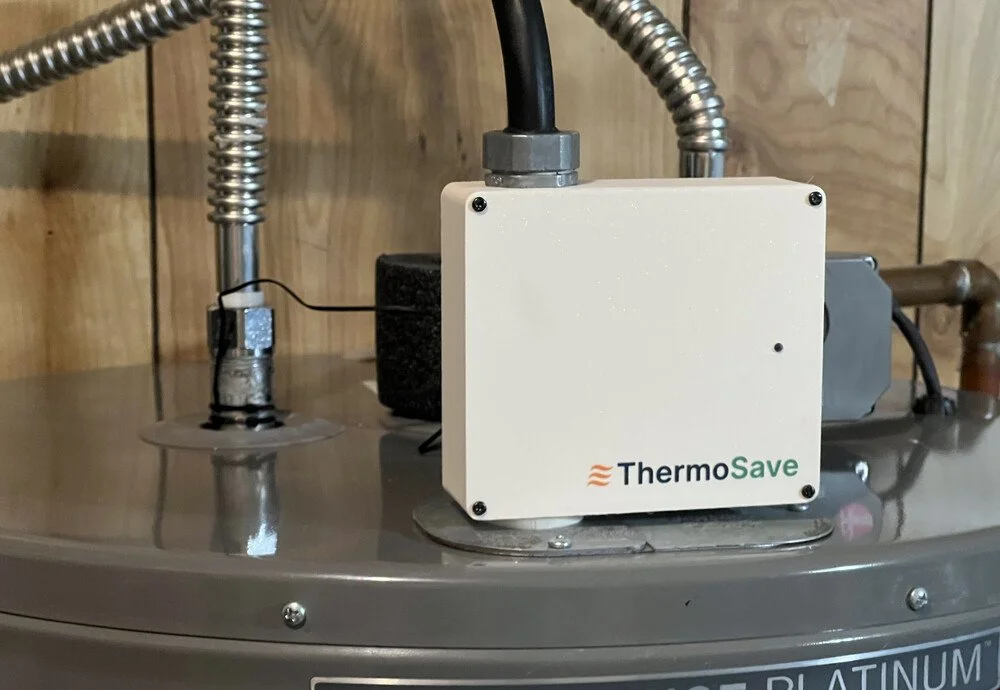
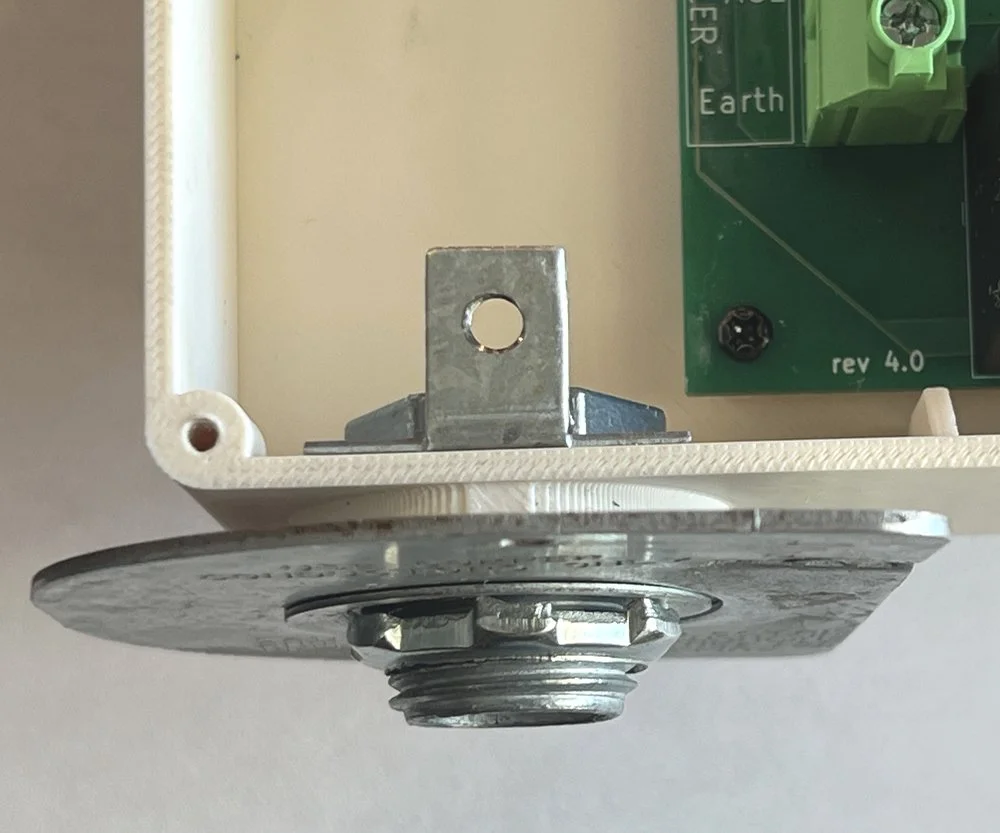
At the bottom, ThermoSave attaches to the water heater's existing knockout using a 1/2" Close Rigid Metal Conduit (RMC) Nipple and two locknuts, or a 1/2" Chase Nipple and one locknut.
At the top, the incoming power line is secured to ThermoSave through the conduit fitting with a locknut — this can be the original hardware from the water heater's junction box, or a standard 3/4" conduit connector if yours is missing. If your power line is 1/2” use two 3/4” → 1/2” reducing washers.
The key check: ThermoSave should be firmly attached to the water heater, and the power line should not pull free from the top fitting
-
Press and hold the button on the right side of ThermoSave for 3 seconds, then release. The LED should begin blinking once per second. If it still doesn't light up, verify the breaker is on.
-
You may need to connect ThermoSave to the eero guest network in some ThermoSave firmware versions. This has resolved eero connectivity issues we have seen.
We have found the cause of this and resolved it in the most recent ThermoSave firmware version, which has been rolled out.
However, if you experience this issue you need to get your ThermoSave connected first in order to receive the update. Please connect to your guest network initially and then email support@thermosave.com to confirm you can switch back to the main network.
Still need help? Email us — we typically reply within one business day.